














How to Install CoinPoker on Android Devices
Welcome to our in-depth guide on how to install CoinPoker on Android. On this page, you’ll discover how to download, install, and start playing at the world’s leading online crypto poker site for Android phones and tablets.
The CoinPoker Android poker app is compatible with most mobile devices, like Samsung, Xiaomi, and Redmi. Our state-of-the-art software works on phones and tablets, and installing it is straightforward after downloading directly from our site.
Get started by watching our short tutorial:
1: Visit the Download Page
Head to CoinPoker.com/Download on your mobile browser (Chrome, Samsung Internet, or similar).
The download will begin automatically when you reach the page.
2: Install the App
Once it finishes downloading, the CoinPoker app will request installation. Hit Install to start the process.
Some versions of Android may require you to allow the installation in your device settings at this stage. Here’s where to go for your device:
- Samsung: Settings > Biometrics and security > Install unknown apps > Allow from this source.
- Xiaomi/Redmi: Settings > Privacy Protection > Special permissions > Install unknown apps.
- Other devices: Select “Install unknown apps” under Settings > Security.
Note: Some versions of Android display a warning when you download outside of the Play Store – this is perfectly normal. Select “Download Anyway” if you see this message to complete the installation.
On other devices, features like Play Protect and Auto Blocker can also prevent CoinPoker from being downloaded. Toggle these off momentarily to complete your installation.
3: Open the CoinPoker App
When the installation is finished, tap on the Open button to launch the CoinPoker Android app.
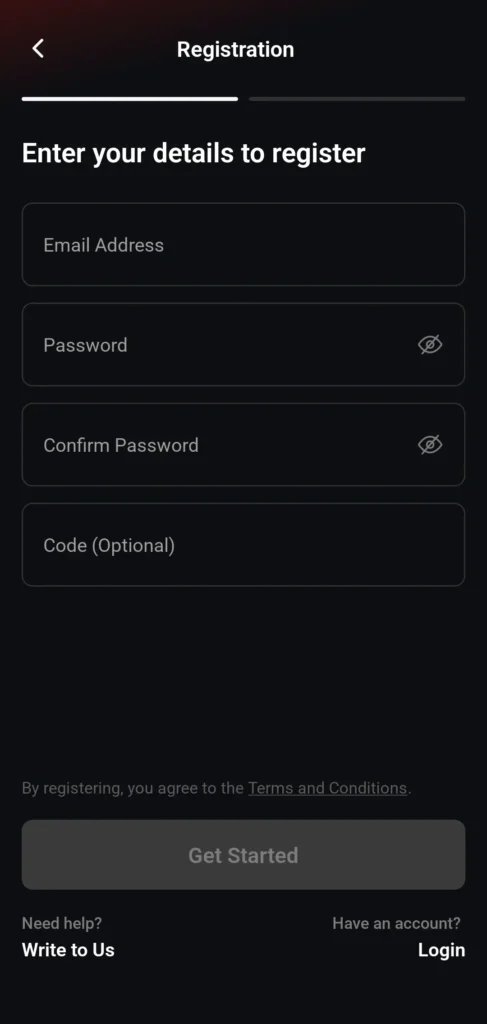
4: Register Your New Account
Next, enter your email address and password to create your account.
5: Confirm Your Email
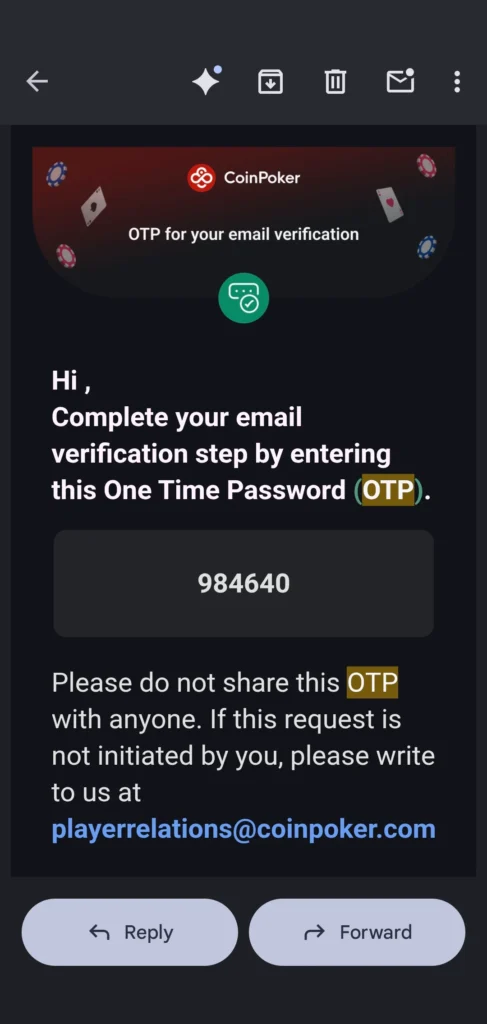
Following your first sign-in, we’ll ask you to verify your account by confirming your email address.
CoinPoker will send you a 6-digit OTP code. Remember it, return to the app, and enter the code to verify your email.
6: Log In for the First Time
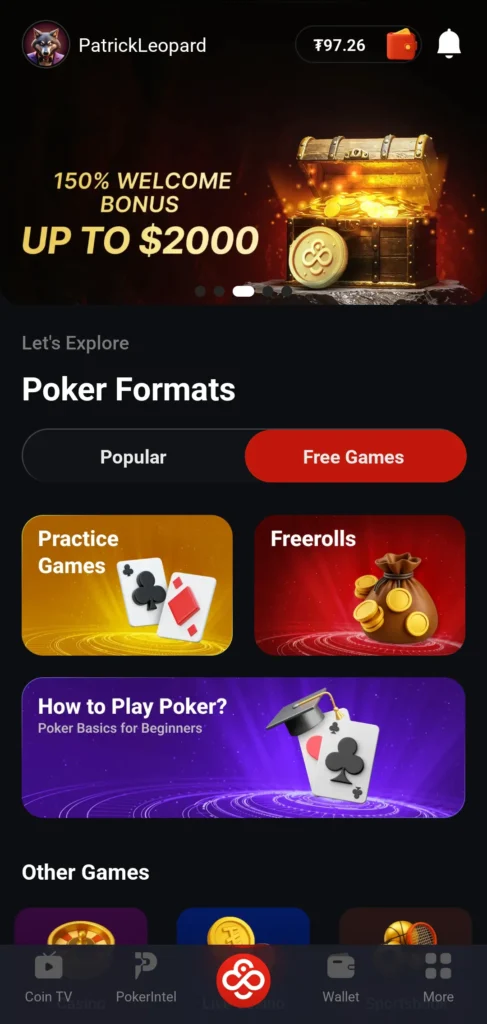
Sign in and find the Wallet in the top right corner, or on the right side of the lower menu.
7: Make a Deposit
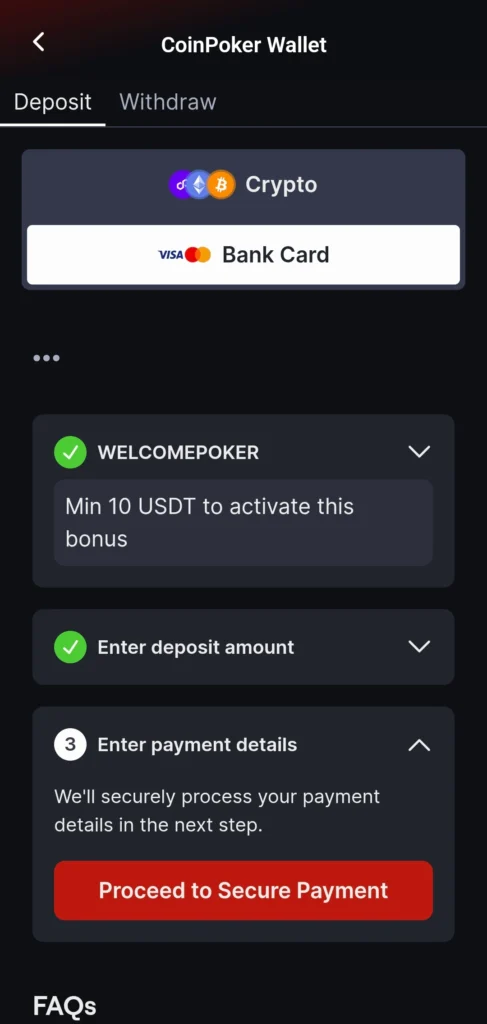
Click on Deposit and then choose deposit options from the Wallet.
Our lightning-fast cashier processes crypto transactions instantly and securely. We also welcome bank cards and eWallets in some regions.
For extra rewards from your first hand, select the 150% first deposit bonus up to $2,000 (after April 1st).
8. Play Games You Love
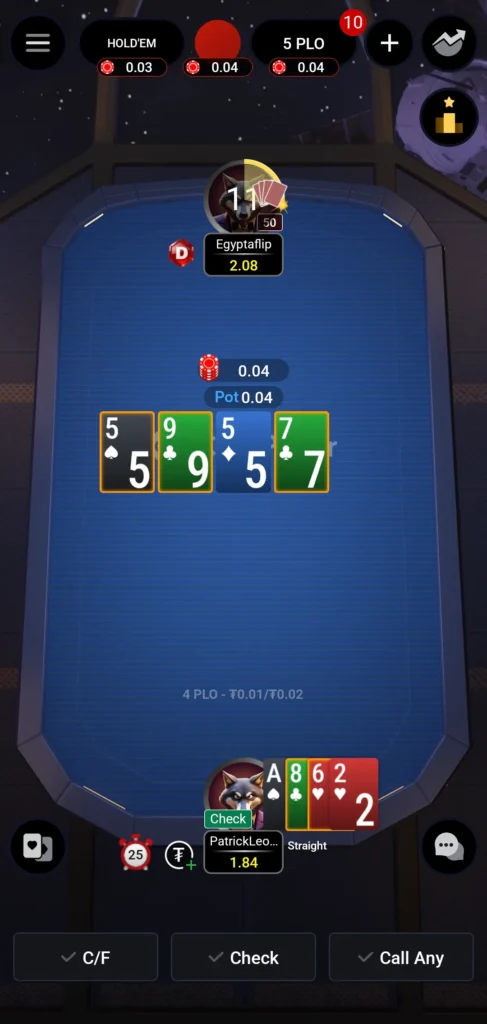
Play hundreds of nonstop Texas Hold’em and Omaha cash games, and try some of the biggest guaranteed tournaments.
We also have CoinPoker Freerolls, where you can win real money prizes, or Practice Games for beginners.
Plus, we have the latest casino games and dozens of sports to bet on in one app.
FAQs
Yes, CoinPoker works perfectly on Android devices, including many of the popular and niche models.
CoinPoker operates on Android version 8 or higher for optimal performance.
CoinPoker works on cellular data with 4G or 5G connections for the best performance.
CoinPoker works on Wi-fi, but make sure your connection is decent by checking the connection strength.