

How to Check if a CoinPoker Bonus is Active
If you want to see whether your CoinPoker bonus is active or check your current progress, this guide shows you how you can on both mobile and desktop.
Follow these steps to view your CoinPoker promotion or bonus status and track your progress.
How to Check Your CoinPoker Bonus Status on Mobile
Here’s how to quickly check your bonus status on the CoinPoker mobile app:
1. Open the CoinPoker app: Launch the app and log in to your account.
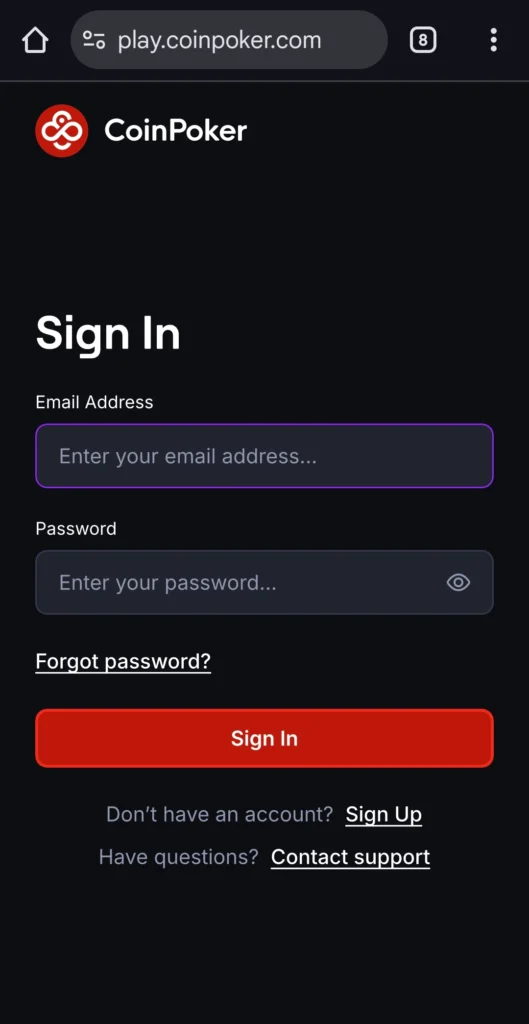
2. Go to the Cashier section: Tap the Cashier tab in the bottom left of the screen. This is where all balance, bonuses, and account info are displayed.
On the CoinPoker app for Android devices, you will tap the three lines in the top right, then click on Cashier at the top of the menu which appears.
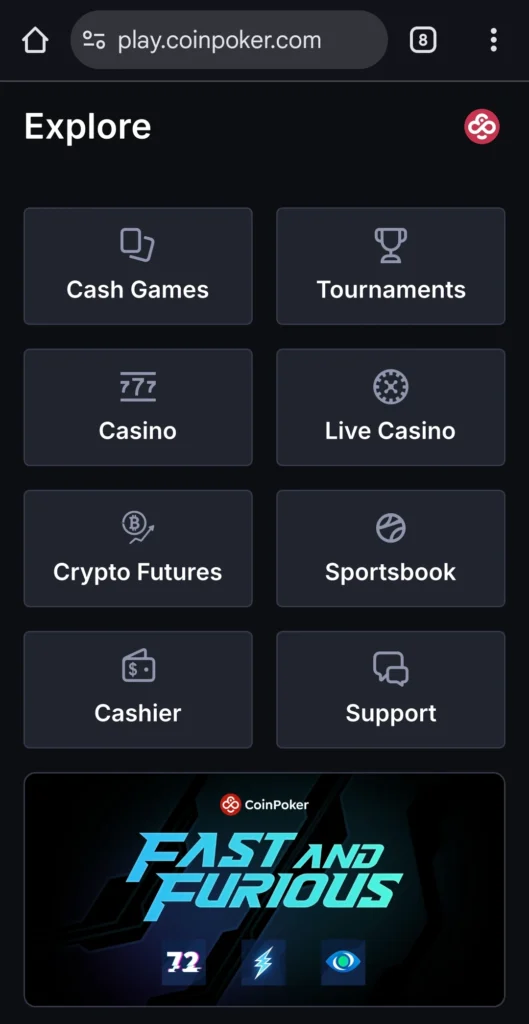
3. Open the Bonus tab: From the drop down menu, navigate to Bonuses to see your current active bonuses, remaining playthrough, and unlocked amounts. This is where your Welcome Bonus will appear, or whichever CoinPoker bonus you have opted in for.
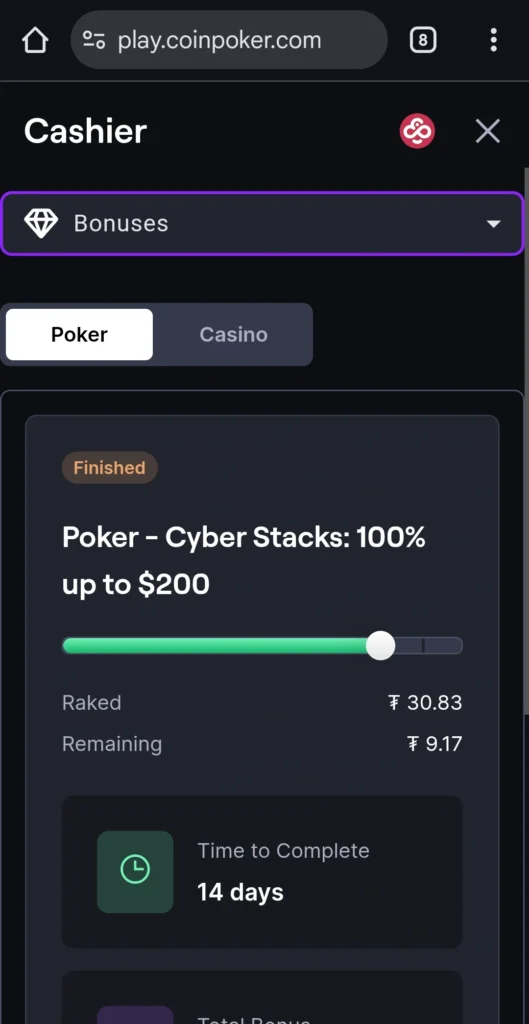
4. Review your bonus details: Check your bonus availability and progress for each bonus, including Poker or Casino. You can track how much you’ve unlocked and how much remains.
How to Check Your CoinPoker Bonus Status on Desktop
If you’re using our desktop app, here’s how to check your bonus status:
1. Log in to CoinPoker: Launch the CoinPoker app on a Windows PC or Mac, and sign in.
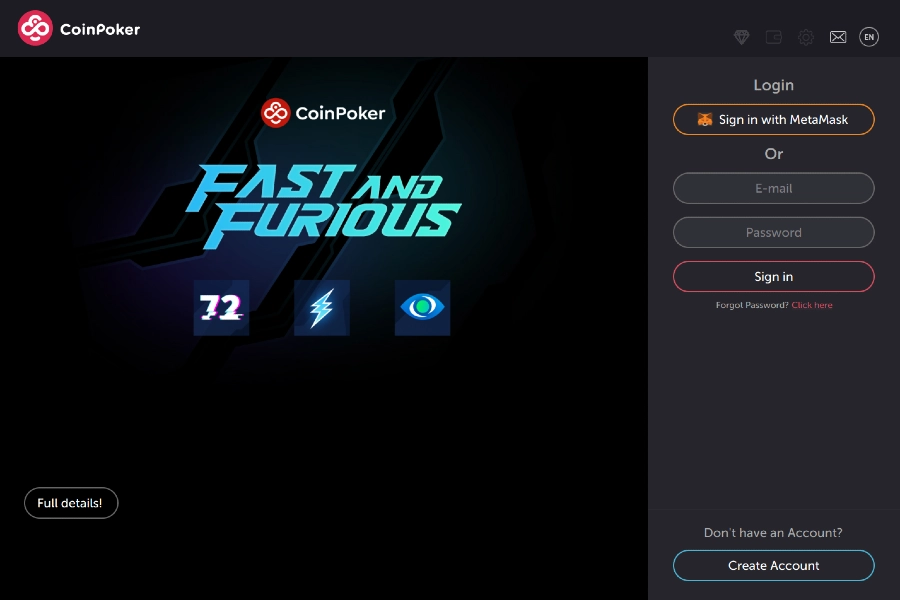
2. Access the Cashier: Click the wallet icon located at the top right of the app or on the homepage. You can also click your balance to visit the Cashier.
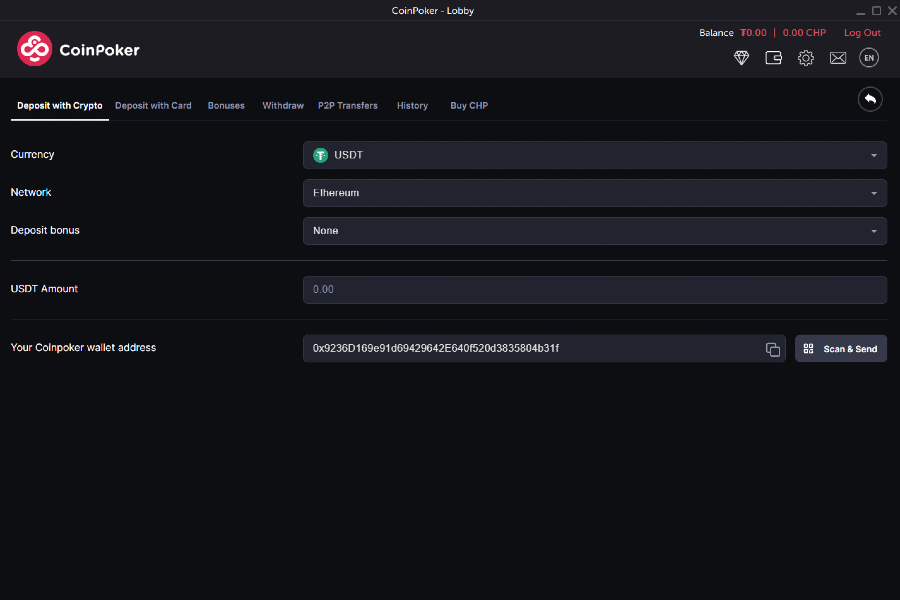
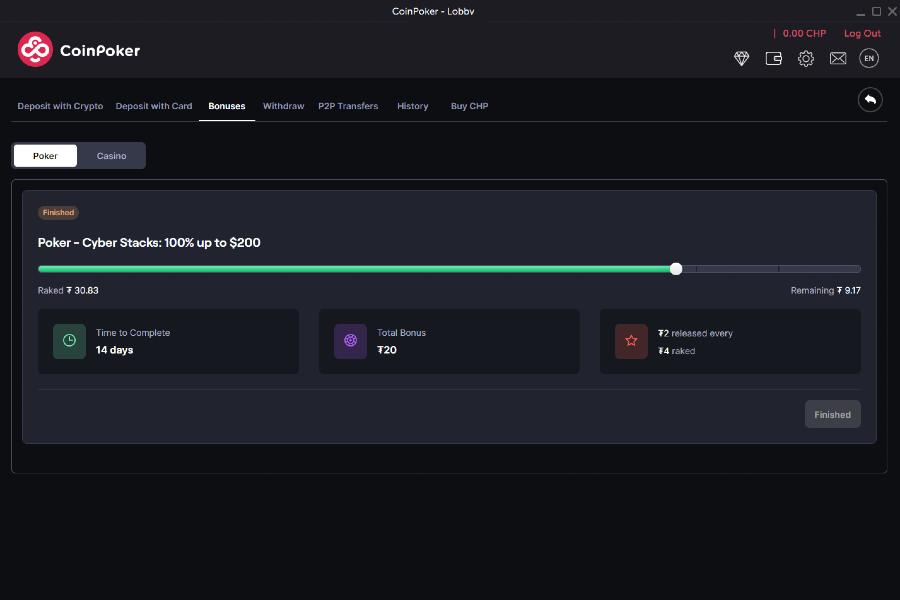
3. Click the Bonus tab: Within the Cashier, select the Bonus tab to see all active bonuses on your account. View your current bonuses, playthrough progress, and any unlocked amounts for Poker and Casino rewards.
Still Having Trouble?
Visit our help page for quick answers, or contact the support team 24/7.