

How to Play Poker on iOS (iPhone & iPad)
You can play CoinPoker directly on your iPhone or iPad using your mobile browser. The setup process is the same across both devices, with only small layout differences.
Follow the steps below to register, log in, deposit, and start playing poker on iOS.
Step 1. Register on Your iOS Device
Using Safari or Chrome on your iPhone or iPad, go to the CoinPoker home page at play.coinpoker.com and tap the Register button. Enter the required details to create your account in just a few moments.
Be sure to enter the code MOBILE at the bottom of the registration page. After playing a few hands on the browser app, iOS players can join our huge $5,000 Mobile Monthly Freeroll. This tournament starts on the last Friday of the month.
Note: On iPad, buttons may appear slightly higher on the screen due to the larger layout, but all steps remain identical.
Step 2. Log In With Your Browser
Once registered, log in using the same browser. For convenience, you can enable Automatic Log-In so you’re signed in instantly every time you return.
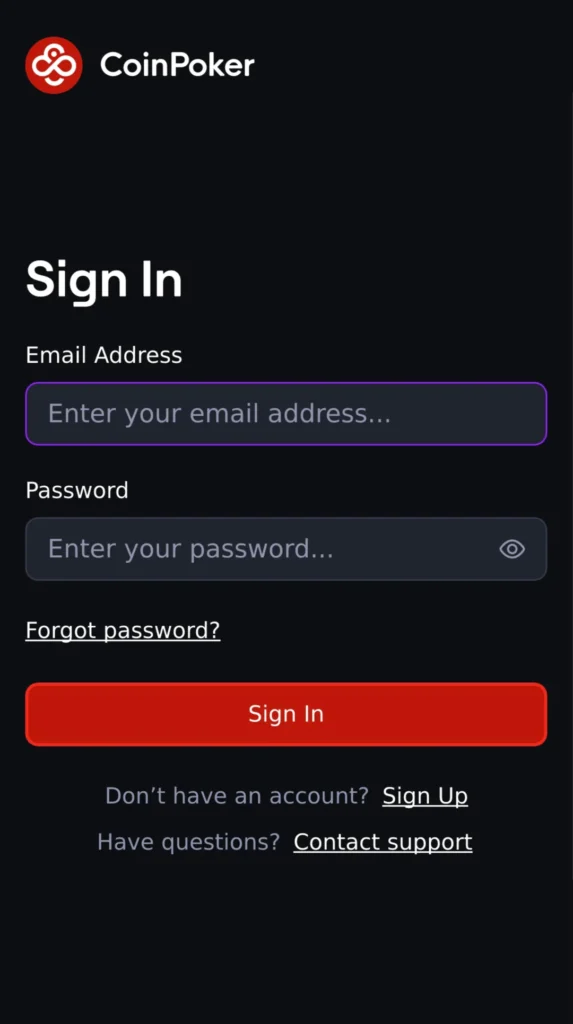
Step 3. Deposit for Real-Money Games
After logging in, follow these steps on your iPhone or iPad to make your first deposit:
Access the Cashier
- On iPhone, tap the Wallet icon at the bottom of the screen.
- On iPad, the Wallet icon may appear in the top-left area of your screen.
Choose Your Deposit Method
Select Cryptocurrency or Bank Card.
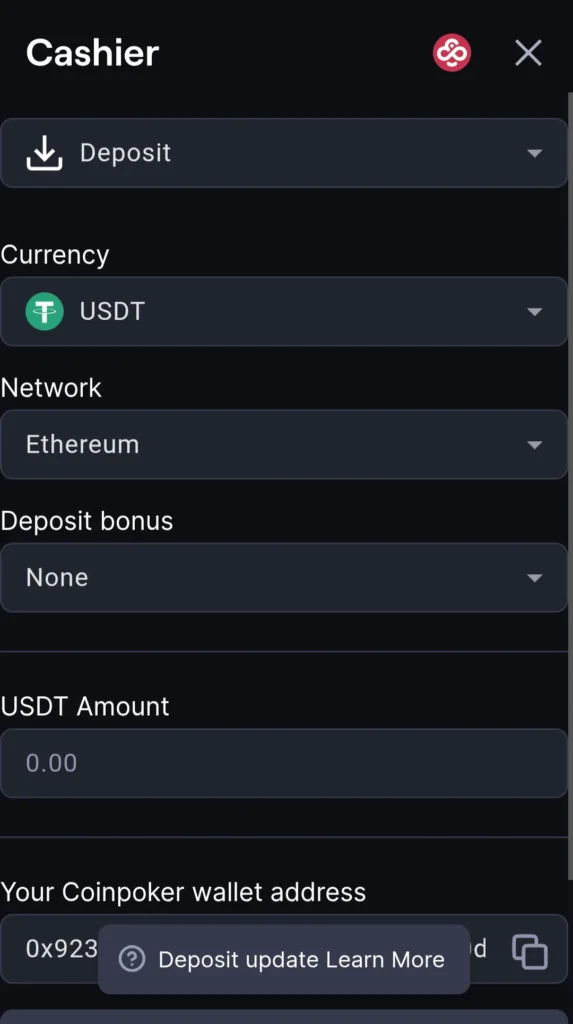
Enter Your Amount
Type in your deposit amount. If you deposit $10 or more, your 150% Welcome Bonus up to $2,000 will be applied automatically.
Complete the Deposit
Follow the on-screen instructions. Your funds and bonus are credited instantly.
If you’re not ready to deposit yet, you can still join:
- Freeroll Tournaments
- Micro-stakes Cash Games
Step 4. Explore the CoinPoker Lobby on iOS
The CoinPoker lobby is fully available on both iPhones and iPads. You can browse:
Cash Games
Play up to four tables at once, with stakes from $0.01/$0.02 up to $1,000/$2,000.
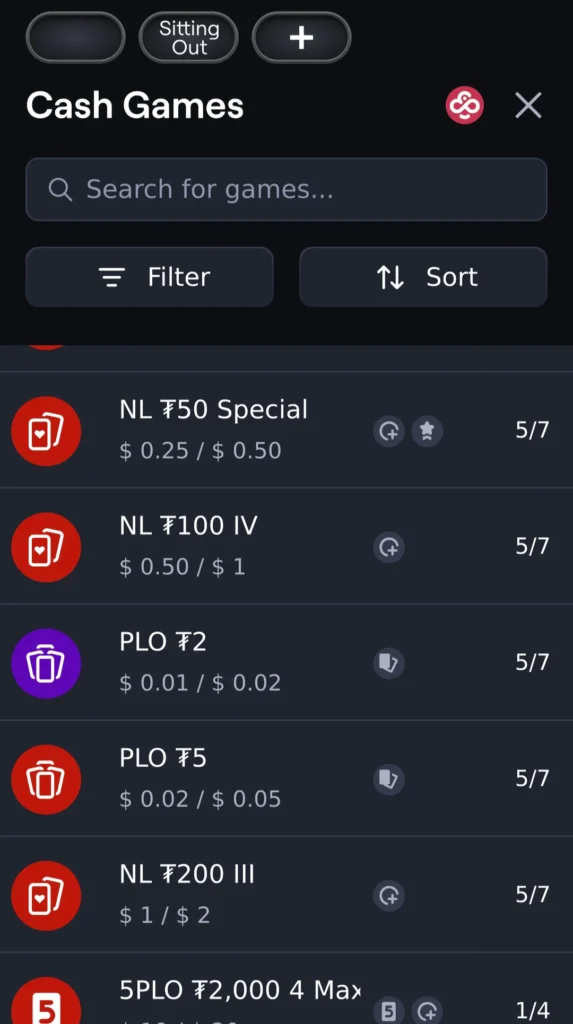
Tournaments
Our tournaments range from completely free to high stakes buy-ins, with our largest events running on Sundays.
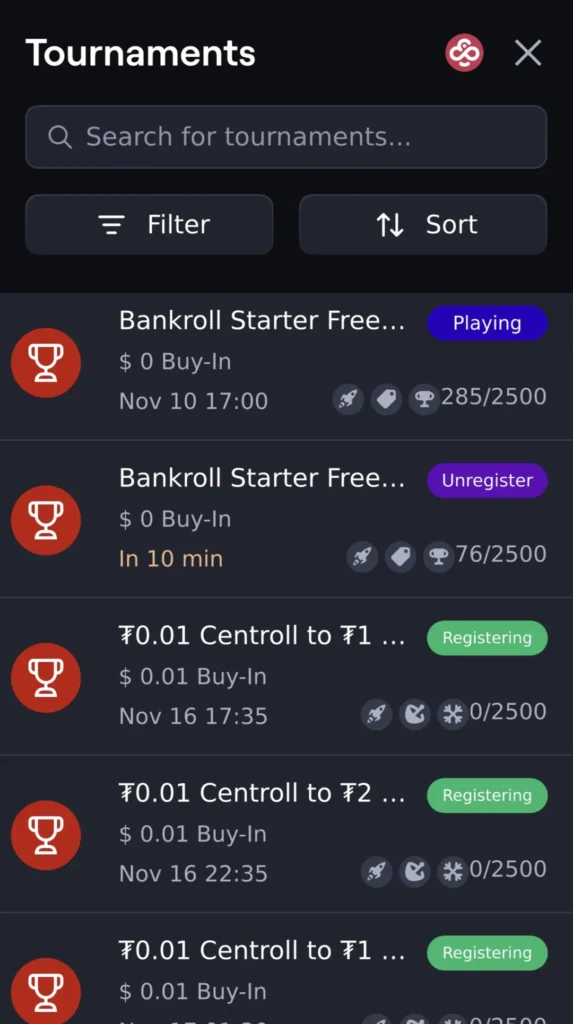
A wide schedule featuring:
- Satellites
- Freerolls
- Centrolls
- High-roller events with large guaranteed prize pools
Poker Games Available on iOS
All major CoinPoker poker and casino-poker formats work smoothly on iPhone and iPad:
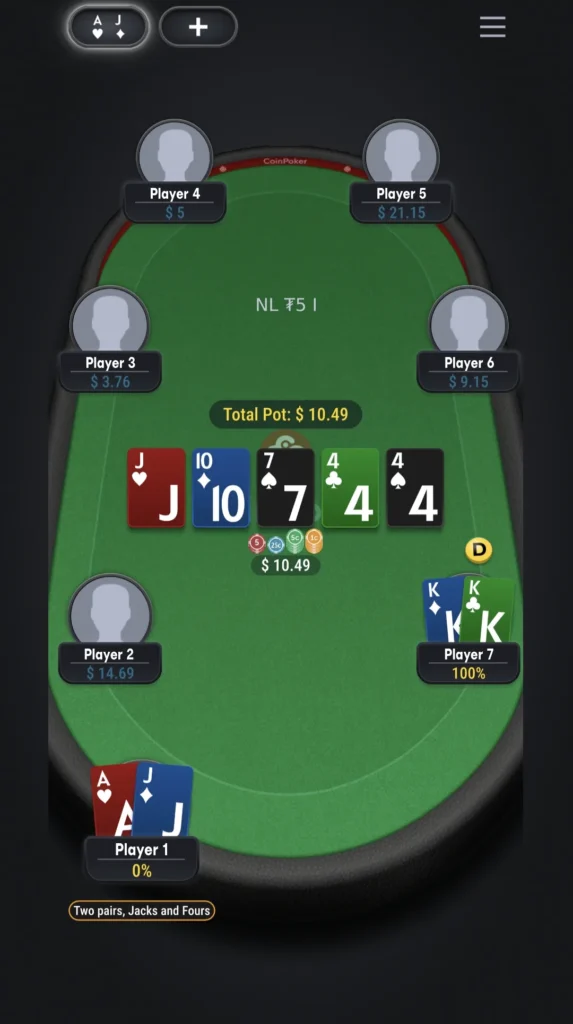
- No-Limit Hold’em (NLH): The world’s most popular poker game, with strategic depth and high-stakes action. On our Texas Hold’em tables, you can test your skills against thousands of players from all over the world.
- Pot-Limit Omaha (PLO): Up the action with Pot Limit Omaha and four hole cards in hand, creating complex strategic decisions. A perfect variant for players looking for intense tactical action, massive pots, and a fast-paced game.
- 5-Card PLO (5-PLO): Ramp up the action in 5-Card Pot Limit Omaha by adding a fifth hole card to your starting hand. This accelerates the game, with more opportunities for stronger hands and non-stop monster plays.
- Live Dealer Poker: Experience the thrill of a real casino from your home. Play your favorite poker variants against a live dealer, streamed live. This adds an authentic, immersive touch to your online session.
- Three Card Poker: Three Card Poker is a fast-paced and straightforward casino table game where you compete against the dealer using just three cards. It’s perfect for a quick game and a fun alternative to traditional poker.
iPhone vs iPad: What’s Different?
The playing experience is identical, with just a few small UI variations:
- iPad offers a more comfortable layout for multi-tabling.
- iPhone places menu/navigation icons closer to your thumb.
- Landscape mode is available on iPad for a wider table view.
Functionality, game availability, and performance remain the same across both devices.
You’re Ready to Play on iOS
Once you’re registered, logged in, and set up, you can play any CoinPoker cash game or tournament directly through your iPhone or iPad browser.
If you need help with deposits, browser issues, or mobile performance, explore our other Help pages or contact [email protected].