













How to Get Started on CoinPoker: Detailed Guide
With plenty of exciting news coming up, there’s bound to be some new faces popping up in our lobby and at the tables. That’s why we put together a detailed guide for new players looking to join the CoinPoker action.
Follow our quick video tutorial, and you’ll be signed up on CoinPoker in no time at all.
Step 1: Go to the Home Page
Go to www.coinpoker.com and click “Download” in the top right corner.
This guide was created for PC players. We’ve also got a handy guide on how to join CoinPoker on mobile devices.

Step 2: Download the App
Wait for the program file to download, or click on one of the links listed below if it fails to launch.

Step 3: Create an Account
Once the app is ready and launched, click on the “Create Account” option.
Complete the registration form and click “Register”.

Step 4: Confirm Your Email
A verification email will be sent to your email address within a few minutes.
Open the verification email and remember the 6-digit OTP code.

Head back to the CoinPoker app, enter the code, and you’ll get full access.
Step 5: Hit the Tables
You’re all set!
Now, you can start joining our poker games, going for big prizes in casino games, or testing your savviness in our sportsbook.
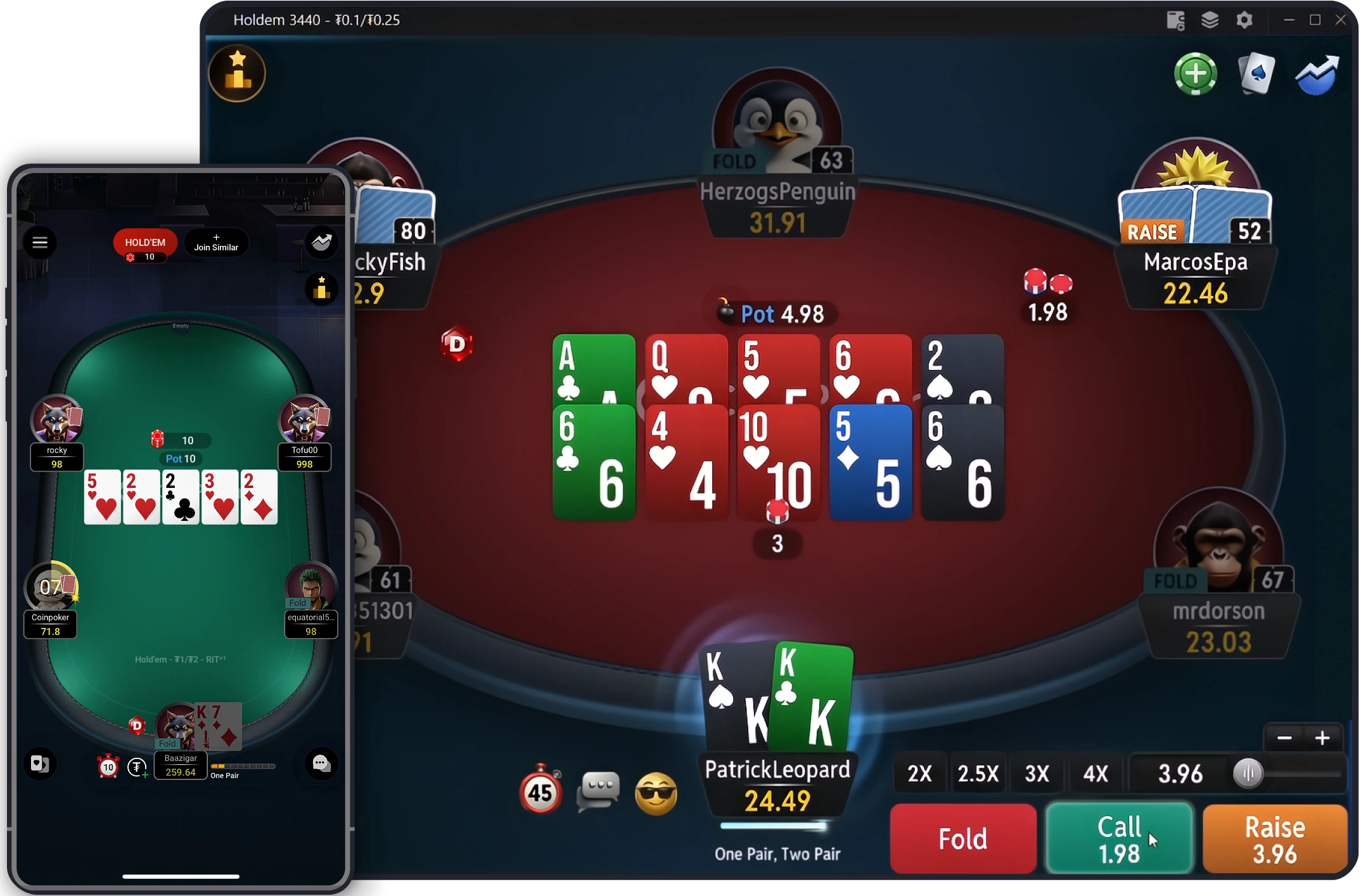
We hope this detailed guide helped! If you need any extra help, email us at [email protected],
You can also follow the latest news on Telegram, Discord, Reddit, Twitter, Instagram, or Facebook.