














How to Deposit & Withdraw Using Luxon Pay
When cryptocurrency and bank cards don’t suit you, Luxon Pay is a solid option.
CoinPoker does not charge any fees on Luxon Pay deposits and withdrawals, and funds move extremely swiftly.
Deposits are nearly instant, and withdrawals happen within an hour in most cases.
We’ve got a video tutorial on depositing with Luxon Pay, if you’d prefer quick visual instructions.
1. Log In & Select the Wallet
If you haven’t registered yet, click the button below and create your account.
If you already have an account, enter your email and password to log in to CoinPoker.
From any screen of the CoinPoker app, select the Wallet icon.
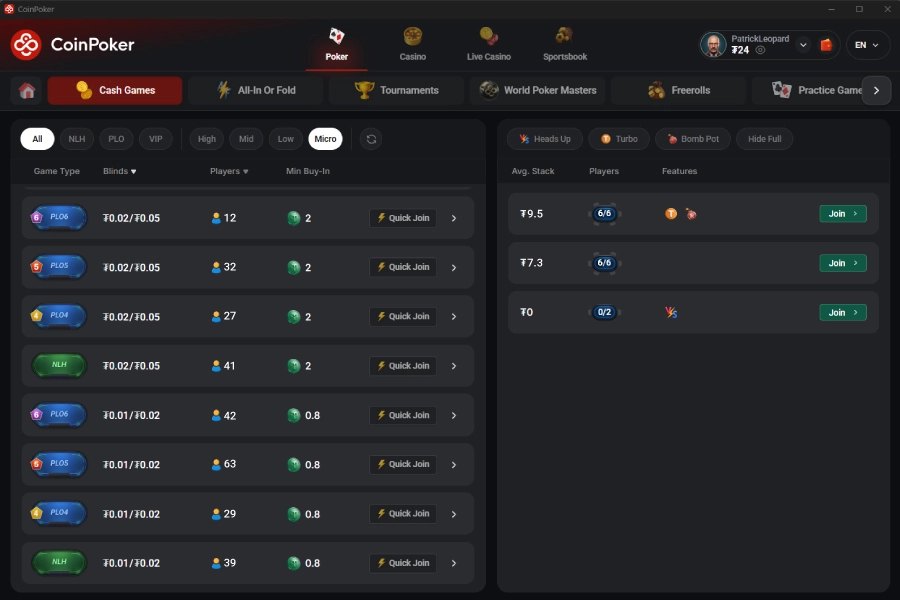
2. Select Deposit or Withdrawal
From the Wallet, you can choose Deposit or Withdrawal depending on what you want to do.
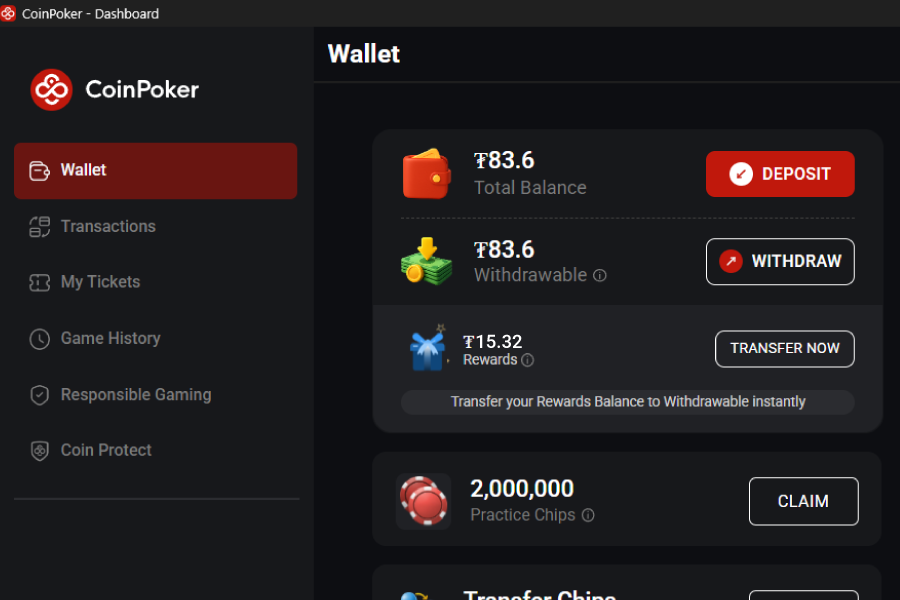
3. Start Your Luxon Pay Transaction
Let’s go over how to complete a deposit with Luxon Pay, or a withdrawal.
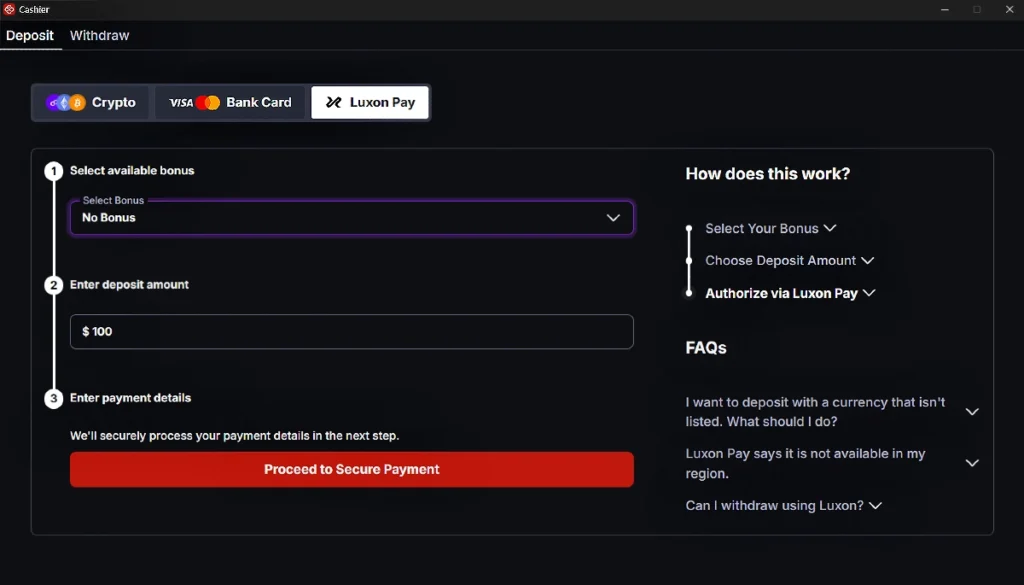
How to Deposit with Luxon Pay
- Select the Luxon Pay tab in the Cashier.
- Select a deposit bonus.
- Enter the amount.
- Click “Proceed to Payment” and complete the transaction in the secure Luxon Pay portal.
- Funds should be credited nearly instantly after.
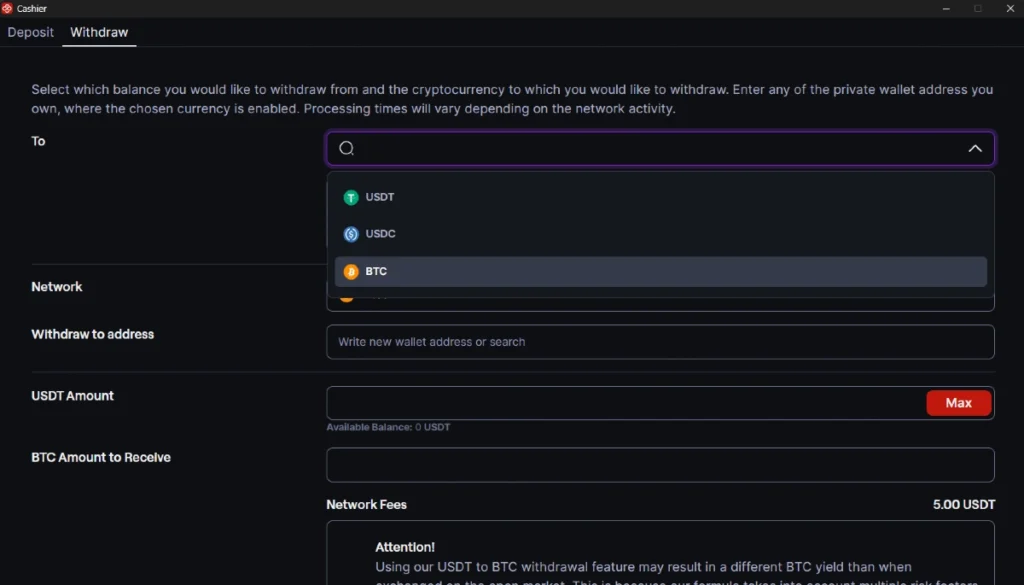
How to Withdraw to Luxon Pay
Only available if the user has previously deposited via Luxon Pay.
- Select the Luxon Pay tab in the Cashier.
- Select the amount to withdraw (Min $10 / Max $100K).
- Click Withdraw and the withdrawal will begin processing.
If you’re having any issues depositing or withdrawing using Luxon Pay on CoinPoker, we are here to help.
The fastest way to find help is to contact CoinPoker Support, where we’ll start working on your problem.