









How to Use Hand History & View Replays
Use CoinPoker’s Hand History to see hands from the past, analyze actions, and improve your skills. This poker feature is available at the tables whenever you want, or later from within your Game History.
Players can manually sort through individual hands or play them in video form, all from the same page.
How to Use Hand History on CoinPoker
Now, we’ll quickly explain how to use Hand History on CoinPoker.
Step 1: Play Poker Games
To view Hand History, you need to have a history of hands. If you haven’t played yet, there’s nothing to view.
Hop into cash games, enter tournaments, and start building your hand history.
Step 2: Open Hand History
Once you’ve recorded Hand History, it’s time to view it.
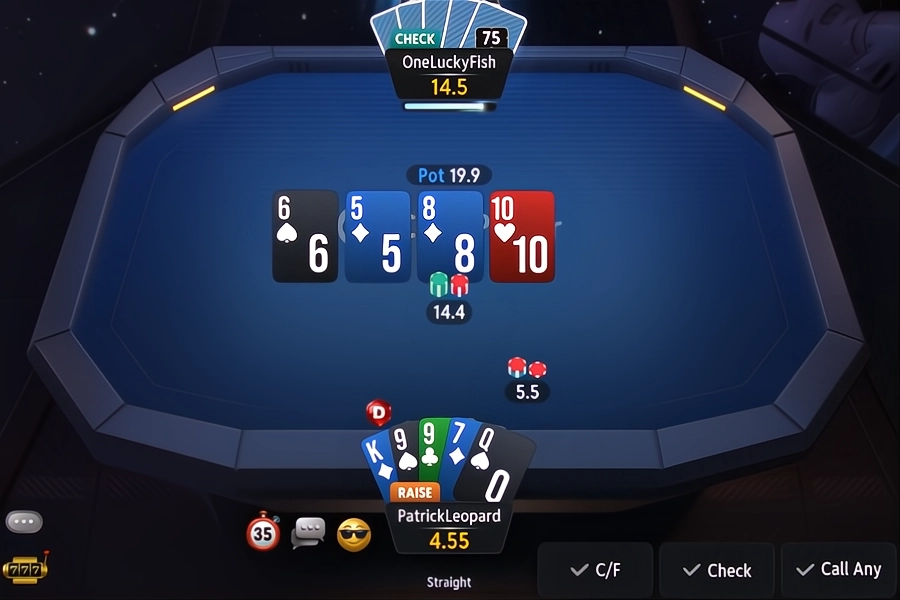
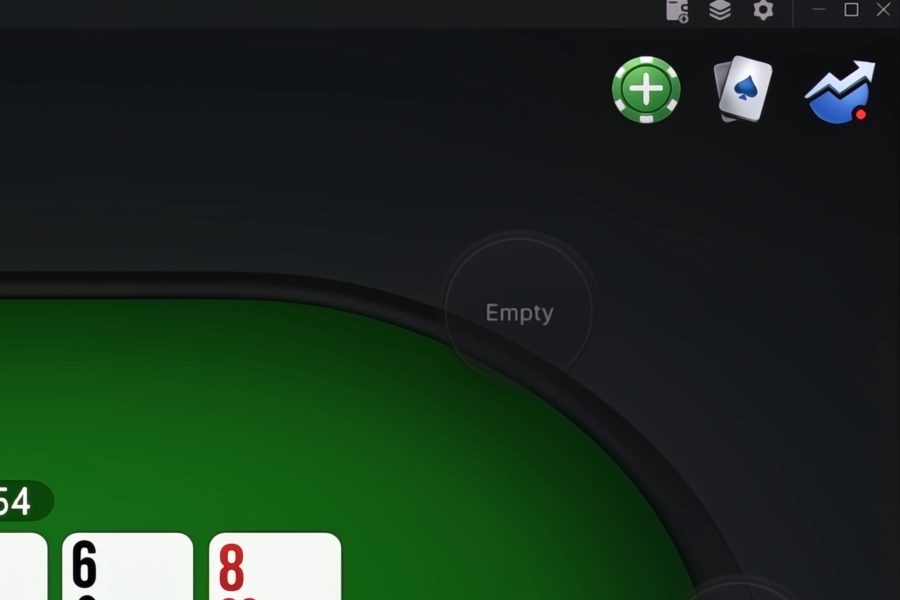
At the tables, click the cards icon on mobile devices or computers.
From the main CoinPoker app screen, click on the dropdown menu on your username, then My Profile, and then Game History.
Step 3: Browse Past Poker Hands
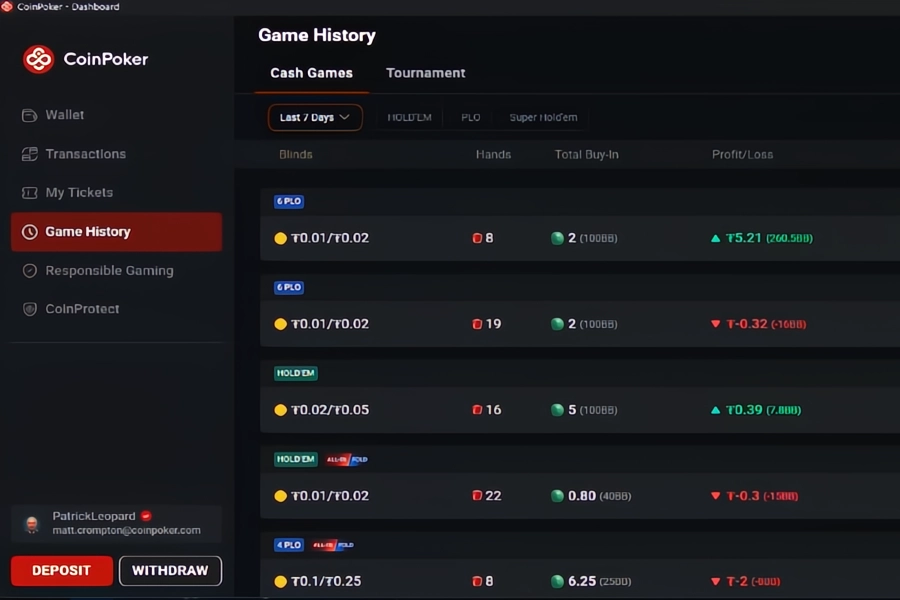
Filter hands by cash game or tournament, and browse through your sessions.
In your Game History section, hands are grouped together by sessions, showing Profit/Loss, buy-ins, total hands played, and the date.