














How to Deposit from Your Bank to CoinPoker
Depositing funds from a bank card to your CoinPoker account takes no more than a couple of minutes to set up.
Go from fiat funds to crypto poker in just a few simple steps:
NOTE: Please be aware that depending on your region, the steps and visuals shown here may be different.
If you have any questions or feel lost, be sure to get in touch with CoinPoker Support, and we’ll help you out.
Step 1: Visit the CoinPoker Cashier
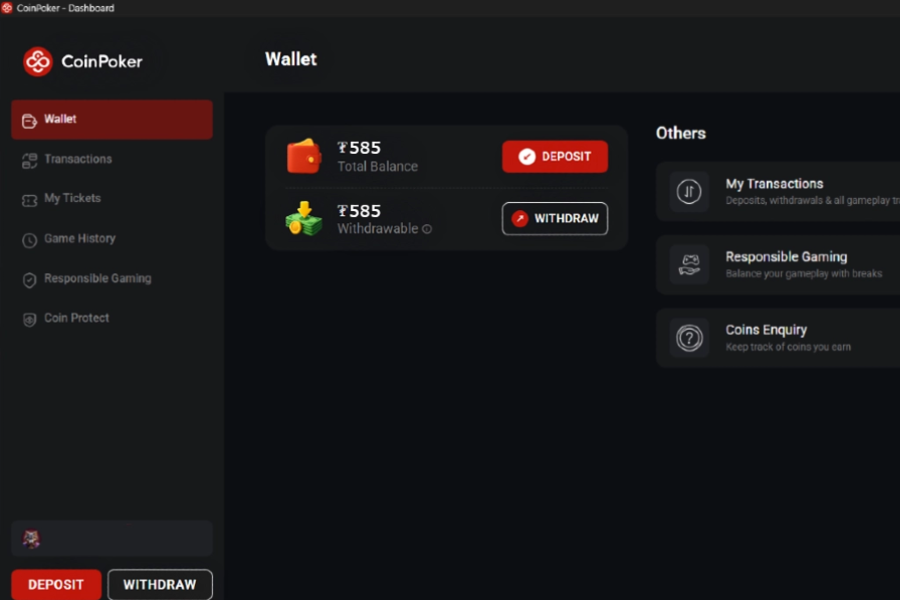
Go to the cashier by clicking on the wallet icon and selecting the option to Deposit. Next, select Bank Card beside Crypto.
Step 2: Choose a Welcome Bonus
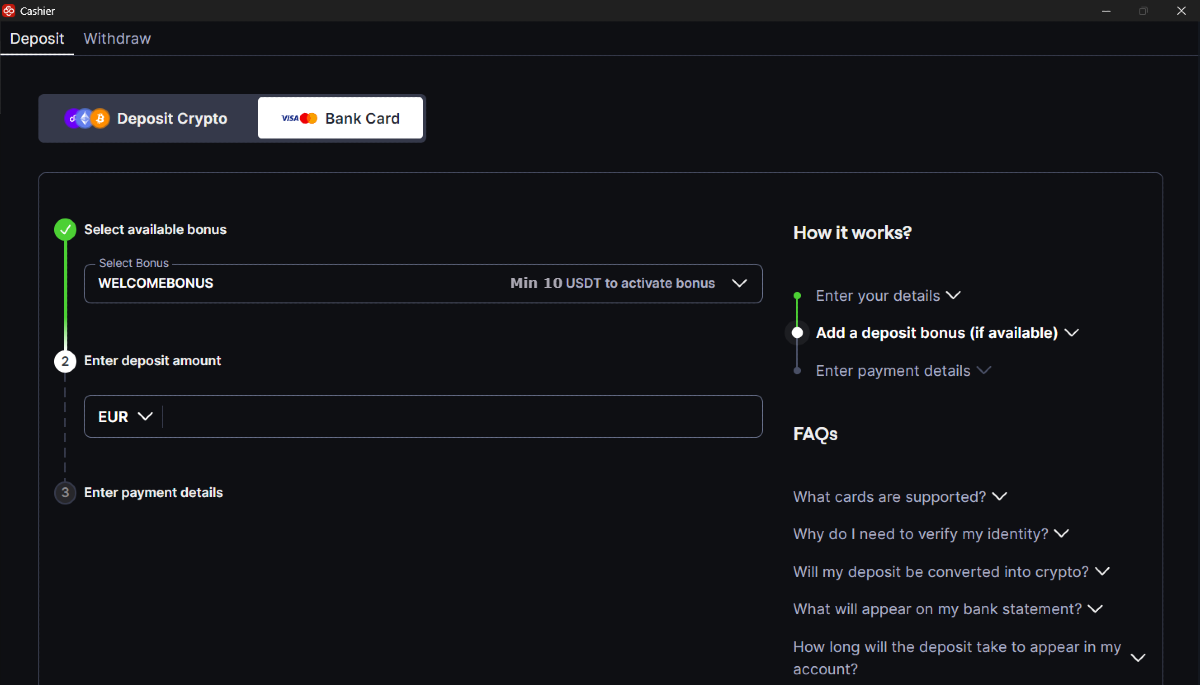
Choose which Welcome Bonus you would like (either the Poker Bonus or Casino Bonus) and proceed to the next step.
Step 3: Enter the Card Deposit Amount
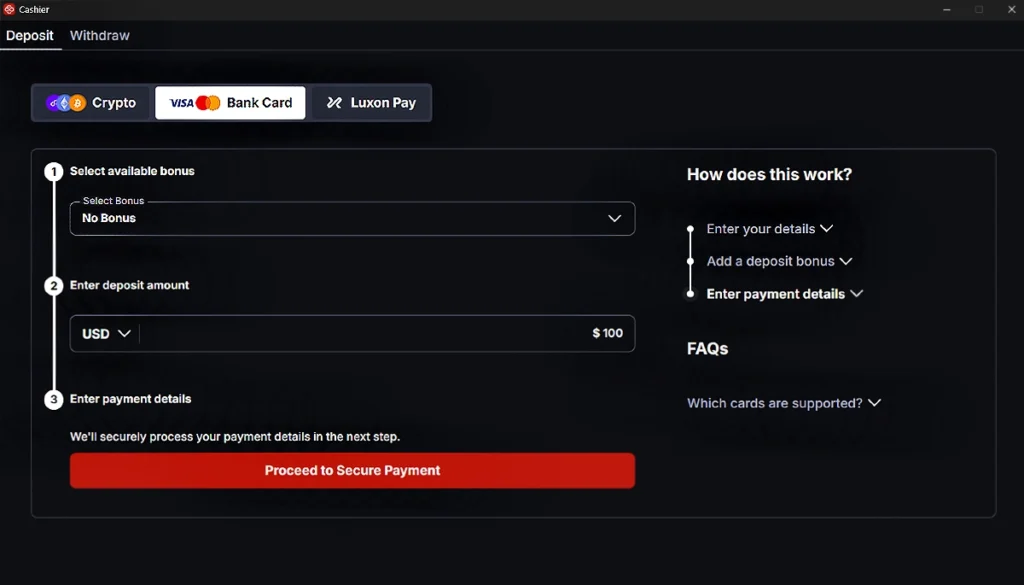
Choose how much you would like to add to your CoinPoker balance from your bank card.
Players in different parts of the world may see different currency options. Usually, you’ll see USD, with another option such as EUR or GBP.
When ready, click on the Proceed to Secure Payment button.
Step 4: Verify with Your Phone Number
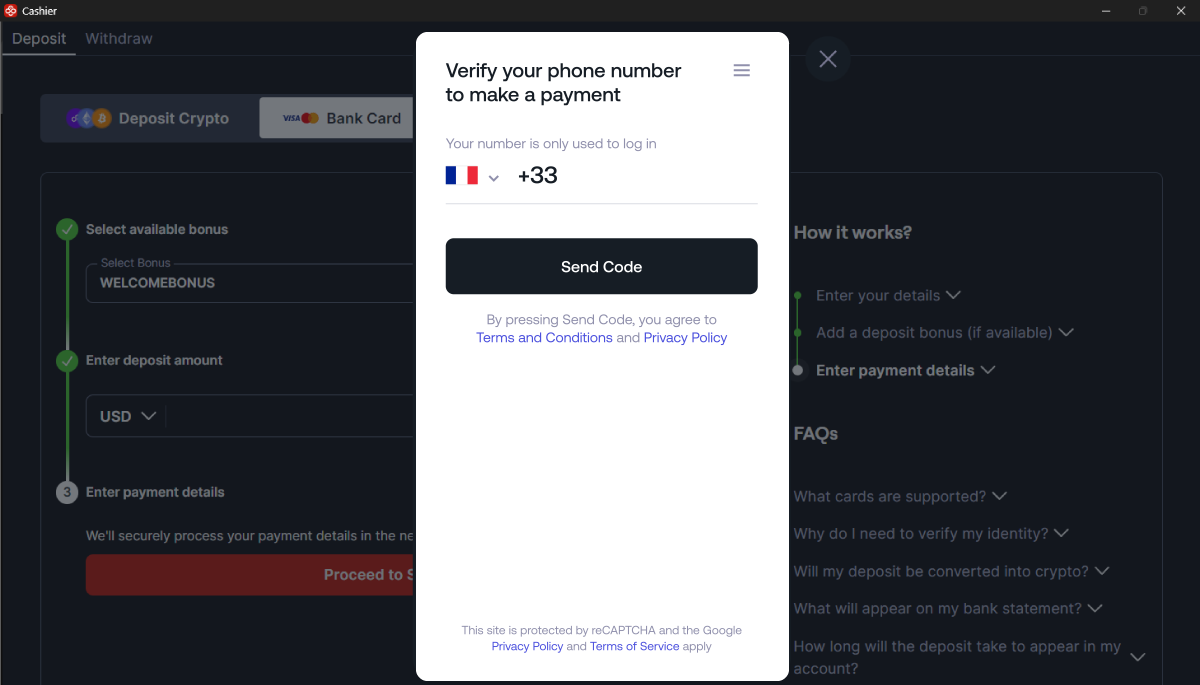
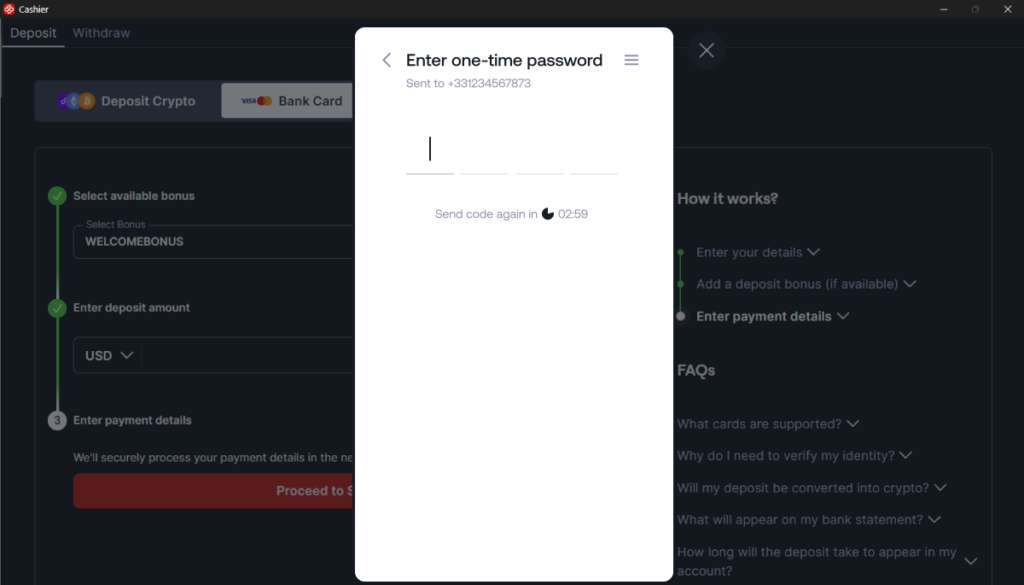
Choose your country, enter your phone number, and click on Send Code to receive a 4-digit OTP code.
Step 5: Enter the OTP Code
After receiving your OTP code, enter it into the CoinPoker app in the area shown below.
Step 6: Enter Card Details
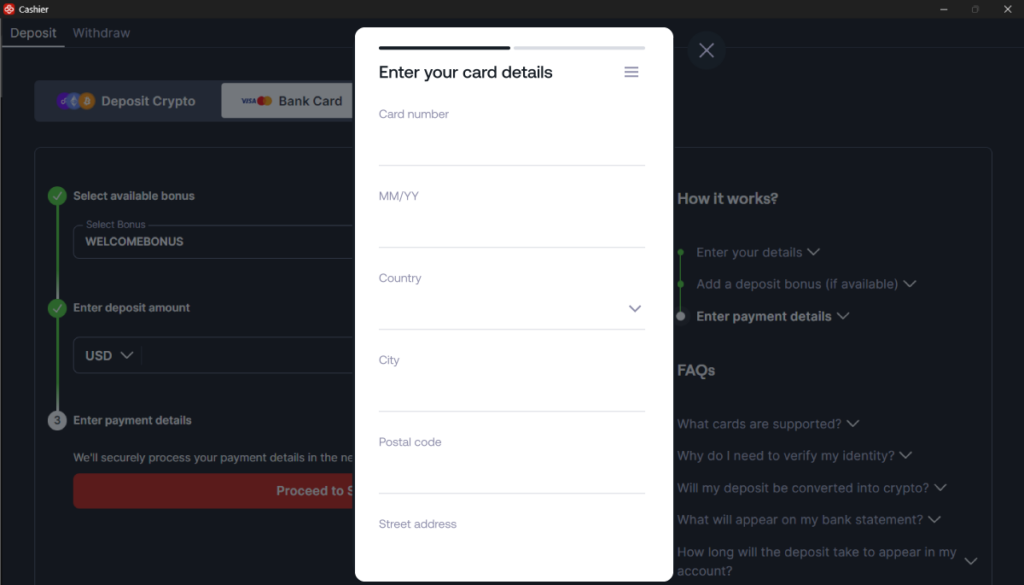
Now its time to enter your card details. This includes the card number, expiry, and issuing address.
Step 7: Confirm Amount & Enter CVV/CVC
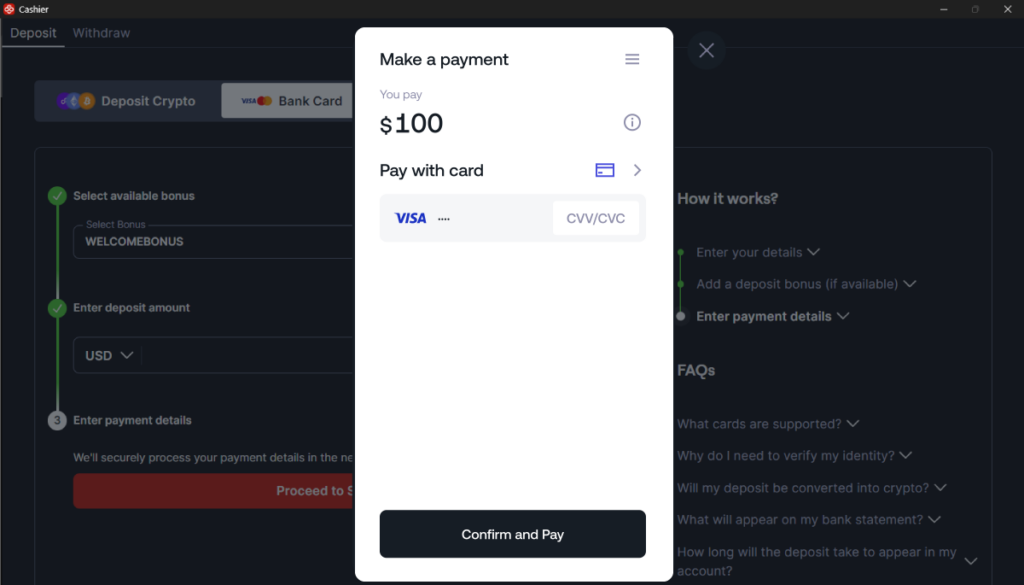
Double-check that everything is the way you want it, with the correct amount and card showing. If it’s correct, enter the 3-digit CVV/CVC found on the back of your card.
Then, click Confirm and Pay.
Step 8: View Confirmation
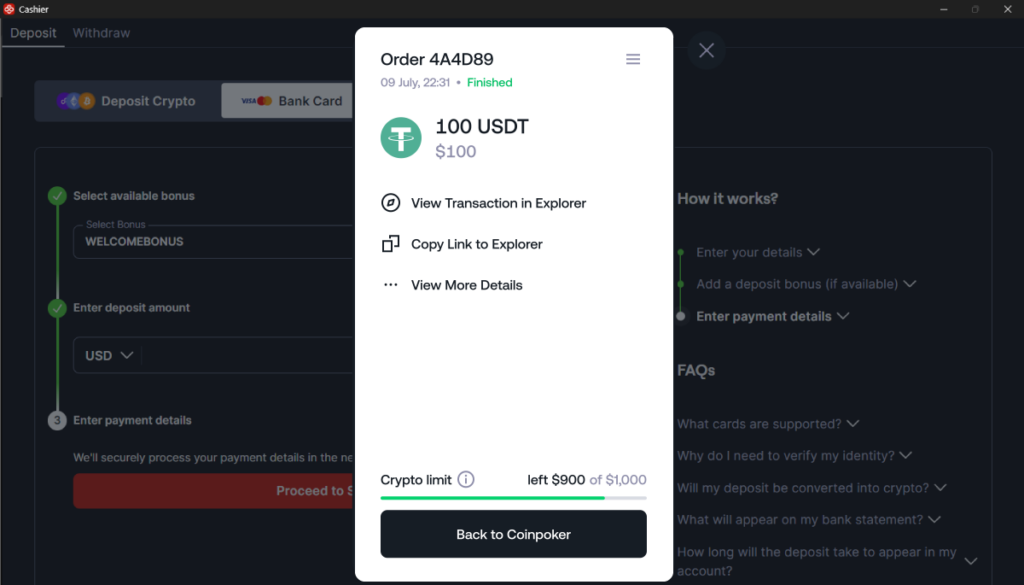
The transaction will take about 10 seconds to process. During this time, your bank may ask you to confirm the transaction through online banking or other methods.
Once complete, you’ll see a confirmation. This will show you the amount of the transaction, a status such as Finished, and options to view the transaction details.
Step 9: Get Into the Games!
Your account is funded now, and all that remains is for you to choose the games. We’ve got online poker, casino games, and sports betting, all in one application.
Was Your Card Deposit Not Successful?
If your transaction was not successful, there are some things you can try.
Here are some potential reasons that the card deposit was not completed:
- Denial From Bank:
Banks may deny transactions for various reasons, but usually for security purposes. If you tried to make your first transaction with CoinPoker, or if your bank usually struggles to complete online gaming purchases, this could be a likely reason for unsuccessful card deposits. - VPNs:
Your bank may have denied the transaction if a VPN is active. For example, the bank expects your transactions to happen in a certain geographical location, but the VPN places you outside of that location. This may cause them to take the secure approach and deny the transaction. - Insufficient Funds:
From time to time, we all forget about our bank balances! Make sure that your bank account had enough funds to complete the transaction.
If you need help, the CoinPoker Support team is always here. Get in touch with us and we’ll figure out the issue.