















How to Use Your Security Pin
Along with new poker features, we’ve improved the way players log in by adding a Security PIN.
Your Security PIN is a 4-digit code that acts as an additional layer of protection for your account.
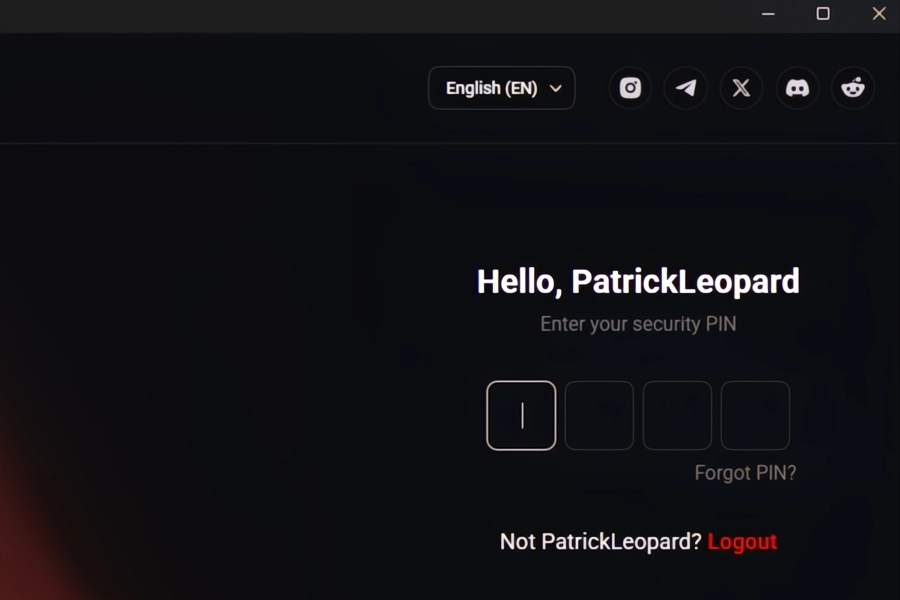
When enabled, you can enter this 4-digit PIN to access your account, making your login faster and more secure, without using your full password each time.
How Does the Security PIN Work?
Players can set their Security PIN after logging in for the first time.
Here’s how to set up your Security PIN:
- After logging in as a new user, you will see a pop-up that says “Setup 4 Digit Security PIN.”
- Click on “Setup PIN Now,” and an OTP code will be sent to your account’s email address.
- Enter the OTP code into the CoinPoker client.
- You’ll see a pop-up that says “Security PIN Created.”
- Log in again, and you’ll be able to use your 4-digit Security PIN.
Once enabled and set, your Security PIN will be required every time you log in on verified trusted devices.
After five incorrect Security PIN attempts, you will be prompted to reset it using an OTP code.
This OTP code will be sent to your registered email.
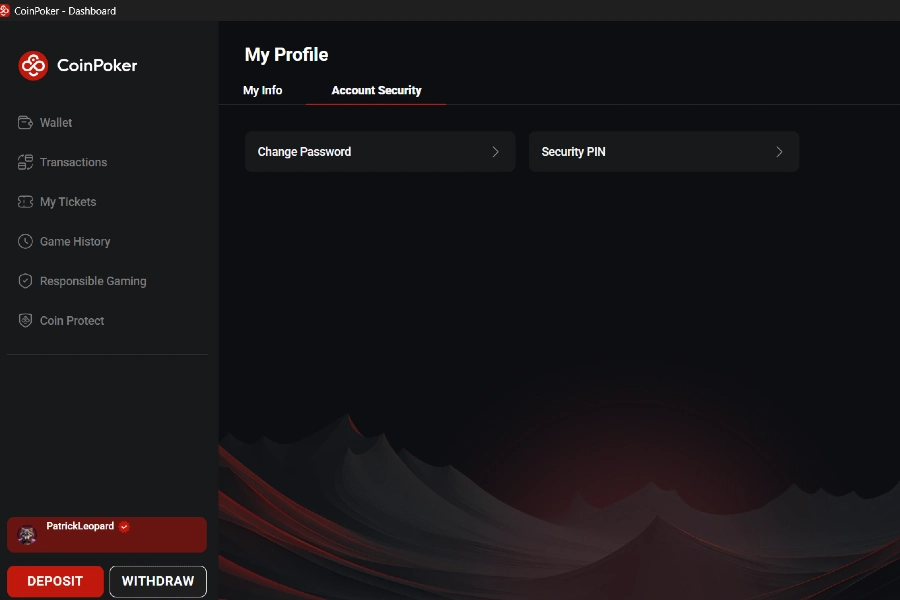
You can enable, disable, or reset your Security PIN from your Account Settings.
Troubleshooting Security PIN Issues
Having issues with your security PIN? Contact CoinPoker Support so that we can help you.